
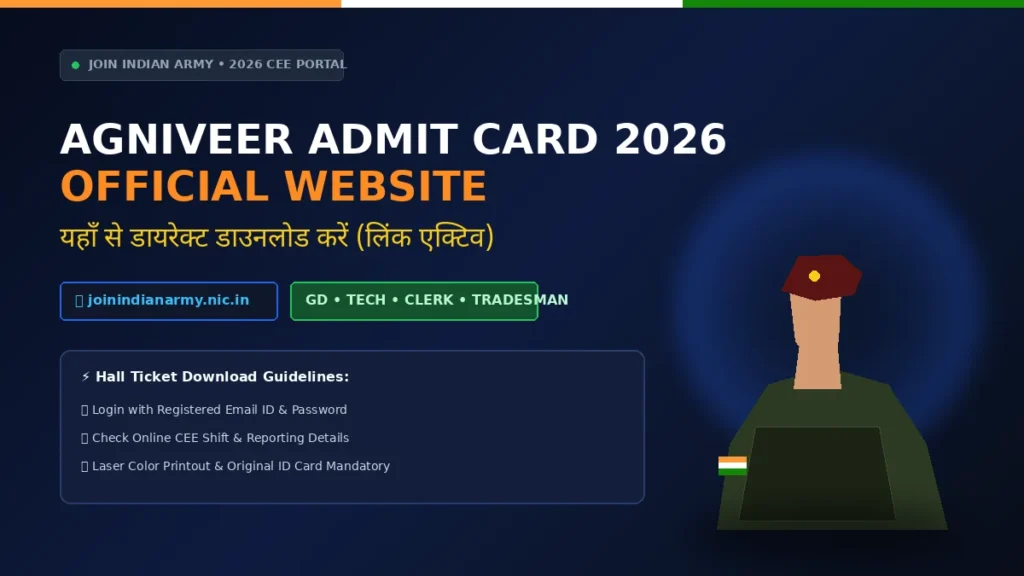
The Indian Army Agniveer Admit Card 2026 2026 2026 for the Common Entrance Examination (CEE) comes out online on the official recruitment portal joinindianarmy.nic.in . In addition, Candidates who registered for Agniveer GD, Technical. Clerk/Store Keeper or Tradesman must download the hall ticket with their login credentials. print it in colour and carry it to the exam centre along with an original photo ID. This page explains the download steps. the exact rules for the exam centre entry gate, common login errors with their fixes. and the zone-wise Army Recruiting Office (ZRO) helpline numbers.
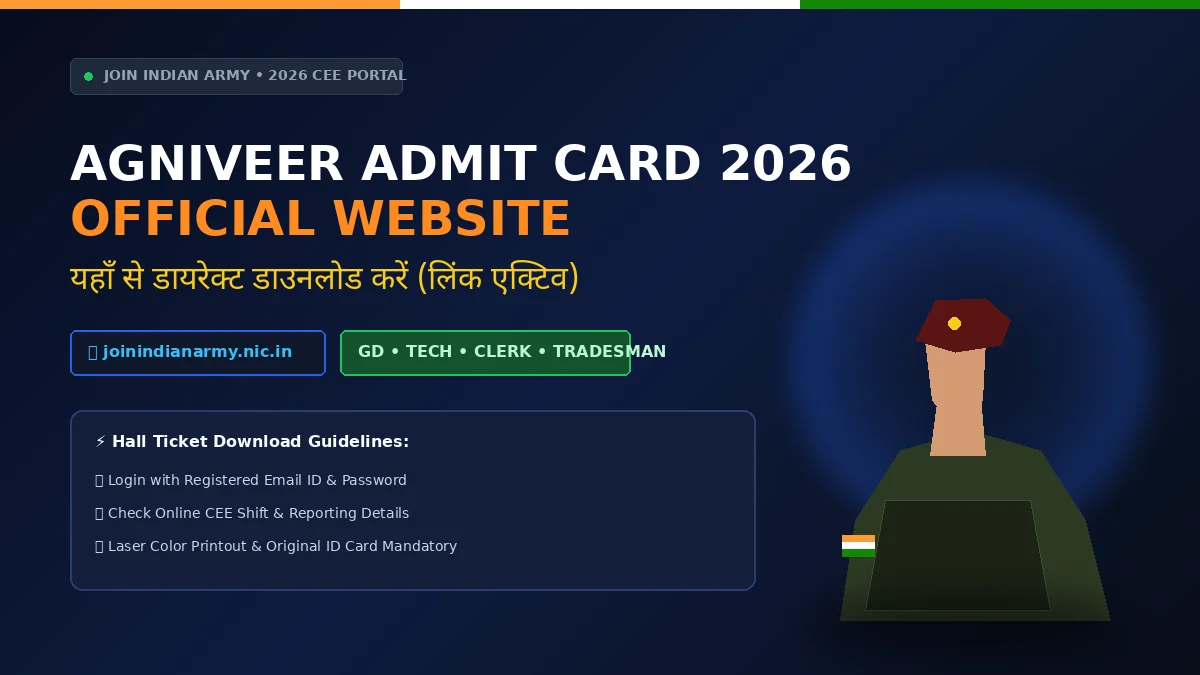
Agniveer Admit Card 2026 Official Website Link &. Hall Ticket Download Steps
Quick Answer
Download the Agniveer admit card from joinindianarmy.nic.in by logging in with your registered user ID and password. Moreover, A laser colour printout is compulsory &mdash. a photograph or PDF on a mobile phone is not accepted at the entry gate. Carry the printed admit card plus one original photo ID (Aadhaar, PAN. Voter ID or Driving Licence).
Agniveer Admit Card 2026: Agniveer CEE Recruitment 2026: Summary
Trade-wise Paper Structure and Marking Rules
The CEE is a computer-based test of about 60 minutes for the paper. Note that Marking rules, including the deduction applied for a wrong answer &mdash. where a particular trade applies one &mdash. get printed in the CEE information bulletin and repeated in the instructions page of the exam. Read the on-screen instructions before starting the paper. they override any general advice you may have read elsewhere.
Attention is invited to the fact that unattempted questions carry no penalty. Also, If your trade’s paper has no negative marking. every blank answer is a lost opportunity.
How to Download the Agniveer Admit Card from the Official Website
- Open joinindianarmy.nic.in in a browser on a desktop or laptop.
- Select the Agniveer or CEE Admit Card link on the home page.
- Fill in the security captcha shown on the screen and click proceed.
- Enter your registered user ID / application number and password . or the alternative login using registration number and date of birth.
- Click login. Your admit card opens as a PDF in a new window.
- Verify every detail &mdash. name, photograph, category. trade, exam date, reporting time and centre address.
- Download the PDF and take a laser colour printout . keep two copies and one soft copy on your phone as a backup for the journey.
Download the admit card from the official portal only. Several look-alike websites host fake admit card links and collect candidate data. so check the domain spelling before entering your password.
What Is Printed on the Agniveer CEE Admit Card
- Candidate’s name. roll number and registration number
- Photograph and signature as uploaded during registration
- Trade applied for (GD / Technical / Clerk / Tradesman)
- Exam date. reporting time and the shift
- Exam centre name with full address and centre code
- Category and date of birth
- Instructions to be followed inside the exam hall and the ID documents allowed
Exam Centre Entry Gate Checklist
Biometric verification and barcode scanning happen at the gate. Candidates whose fingerprint or photograph does not match. or who carry a prohibited item, are not allowed inside. and no re-test comes with for a missed slot.
| Item | Requirement |
|---|---|
| Admit card | Laser colour printout with the barcode clearly visible (a mobile copy is not accepted) |
| Photo ID | Original Aadhaar. PAN, Voter ID or Driving Licence &mdash. photocopy alone is not valid |
| Photographs | Two recent passport-size colour photographs. same as the one uploaded |
| Dress code | Simple clothing without large buttons or metal items. no cap, no watch, no jewellery |
| Reporting time | At least 60 to 90 minutes before the reporting time printed on the admit card |
| Prohibited items | Mobile phone. smartwatch, calculator, bluetooth device, notes and any electronic gadget |
| Permitted items | Transparent water bottle and a black or blue ballpoint pen. where allowed by the centre |
Agniveer Admit Card Login Errors and Their Fixes
- &ldquo. Invalid username or password&rdquo. :click Forgot Password below the login box. enter your registered email ID and date of birth. and reset the password from the link sent to your inbox.
- Admit card not showing after login:your exam city or slot may not have been scheduled yet for your trade. check the portal again on the next working day and confirm that your application status shows as accepted.
- Page not loading or freezes:switch to a desktop browser. clear the cache, and avoid downloading during the peak morning hours.
- Photograph or signature not visible in the PDF:download again in a different browser. if it is still missing, contact the concerned ZRO helpline immediately.
- Wrong trade or category printed:raise the discrepancy with the recruiting office before the exam date in writing along with a copy of your registration details.
- Password reset email not received:check the spam and promotions folders. and confirm the email ID is the one used at registration.
Zone-wise (ZRO) Official Helpline Numbers
Helpline numbers and query desk timings \1 out on the Join Indian Army portal and in the Army Recruiting Office notices. Always keep your registration number and roll number ready before calling. because the desk will not entertain queries without them.
| Recruiting zone (ZRO) | States / UTs covered | Contact |
|---|---|---|
| ZRO Lucknow | Uttar Pradesh. Uttarakhand | 0522-2292962 |
| ZRO Danapur | Bihar, Jharkhand | 06115-220023 |
| ZRO Ambala | Haryana, Himachal Pradesh, Punjab. Chandigarh | As listed on the official portal |
| ZRO Jaipur | Rajasthan | As listed on the official portal |
| ZRO Pune / Mumbai | Maharashtra. Goa and adjoining areas | As listed on the official portal |
| ZRO Bengaluru / Chennai | Southern states and UTs | As listed on the official portal |
Exam-Day Instructions for the CEE
- Reach the centre before the reporting time. late entry is not allowed once the gate closes.
- Carry the printed admit card and original photo ID in hand. not inside a bag.
- Read the on-screen instructions carefully before the timer starts.
- The paper is time-bound. monitor the clock on the screen rather than a personal watch.
- In case of a technical problem at your computer. raise your hand and inform the invigilator &mdash. do not restart the system yourself.
- Hand over the rough sheet and any pen provided by the centre before leaving the hall.
Official Links You Will Need
Related Job Hubs
Browse all 40 job hubs:All Job Hubs &mdash. jobs by qualification, sector and state
Related new hubs:Agniveer Recruitment 2026 . Government Result Check Guide . Government Job Document Checklist .
Final Checklist Before the Agniveer Exam
- Download and print the admit card in laser colour with the barcode visible.
- Verify the exam date. shift. reporting time and centre address against the official notice.
- Keep the original photo ID and two passport-size photographs ready.
- Reach the centre 60 to 90 minutes before the reporting time.
- Do not carry any electronic item or prohibited object to the centre.
- Keep a copy of the admit card with a family member in case of travel problems.
Army. CAPF and Police Recruitment – Related Guides
- SSC GD 2027 Complete Guide &ndash. notification dates, syllabus, physical standards, salary and vacancy
- SSC GD Physical Test 2027: Height. Chest, Running Time Standards &ndash. CAPF PET/PST standards for male and female candidates
- UP Police Female Running Rules and Height Chart &ndash. category-wise height, weight, 2.4 km timing and medical standards
- UPSSSC Excise Constable Admit Card 2026 &ndash. exam city slip, hall ticket download and exam-day instructions
Official Sources
- Join Indian Army (official recruitment portal)
- Indian Army official website
- Agniveer CEE information bulletin and ZRO helplines
The 2026 Army CEE admit-card cycle covered the examination window beginning 1 June 2026. the hall ticket came out in May. This page has been retained as a download/login and document-check guide. not as a claim that a new September CEE admit card has just been issued. Candidates should use only joinindianarmy.nic.in for any later rally, Phase-II or ARO-specific call letter.
📌 Important Related Updates:

Written by Ravi Singh
Ravi Singh is the Editor (Government Jobs) at New Sarkari Results, an independent information portal for Sarkari Result, Sarkari Naukri, admit card, answer key, syllabus and admission updates. He has 10+ years of experience covering Government Jobs, Railway Jobs, SSC, Banking, Teaching, Police, Defence and state recruitment boards. Every update on this site is verified directly from the official notification PDF issued by the commission or board — never from third-party aggregators.